

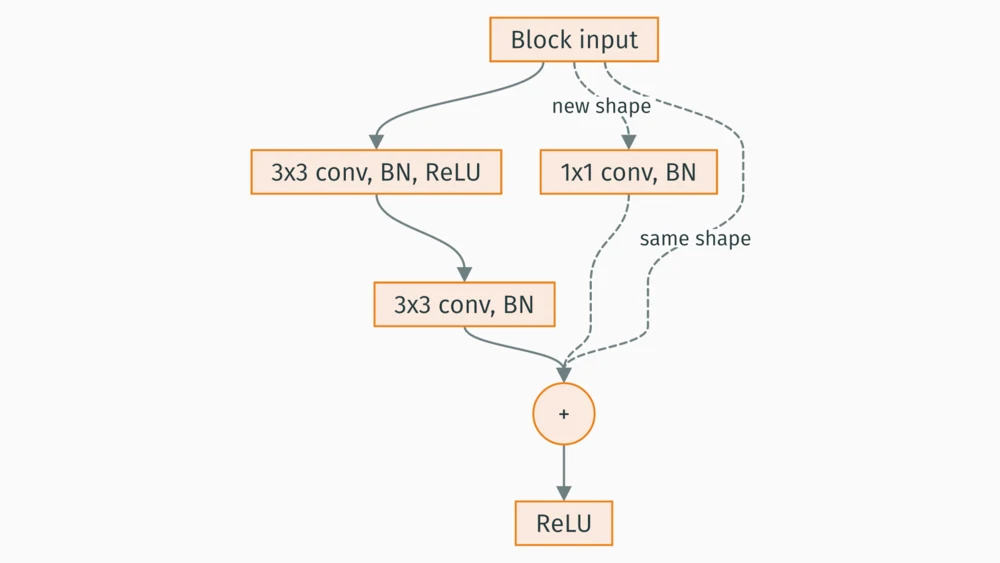
Turn this into a flowchart→ see it revised
Repo in.
Pitch deck out.
Get your last hour back for the demo. Paste your hackathon repo link, or drop in notes, results and screenshots, and get a finished pitch deck in a few minutes. Every chart is drawn from your data. Then change anything by asking in plain words.
Download it as a PDF, or as a PowerPoint you can edit.
15 free credits (enough for your first deck). No card needed, and you sign in only when you press Generate.
See a sample deck Already have an account? Sign in
Idea-round PPT due? Make it in your hackathon’s own template

Why devreport
Why not just ask ChatGPT?
Reads your repo
The code and README, not a summary you paste.
Real numbers
Every chart and figure checked against your files.
A finished PDF
Typeset and ready to submit. No Canva.
18 looks, one click
Switch the theme any time, free.
How it works
From repo link to PDF or PowerPoint
It reads your files, asks what they can’t tell it, writes the deck, then compiles and checks every slide. A real build’s log, replayed fast:
- Uploading · 8 files
- Analysing your files · Found 5 chartable tables
- Reading your project
- Writing the deck · 12 edits
- Compiling
- Checking the result · 7 page renders
- PDF ready
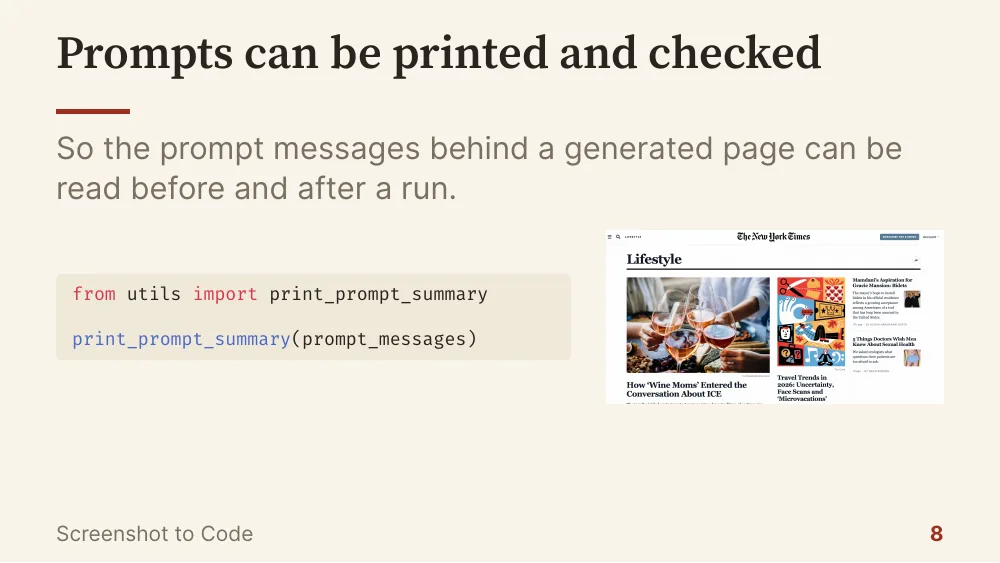
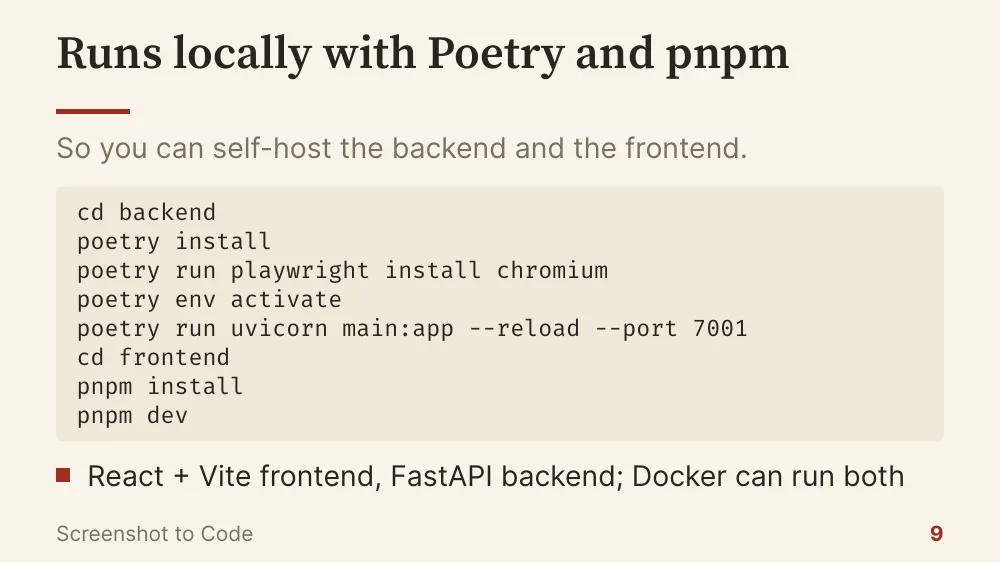
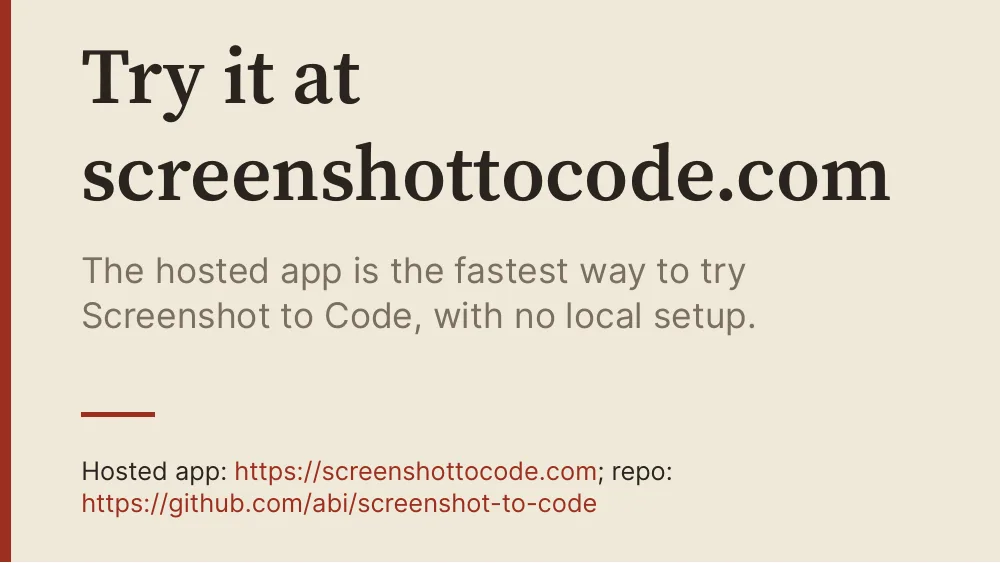
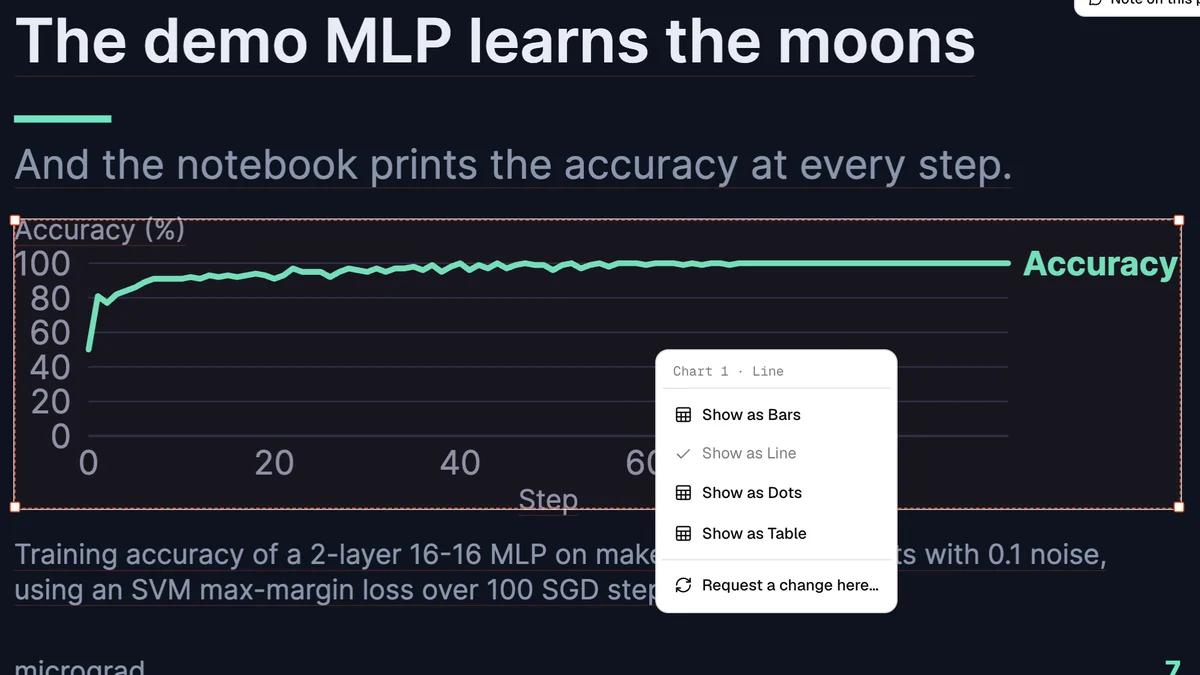
Request changes
Not right yet?
Say what to change.
Type it in plain words. Each change you ask for uses 1 credit.
Before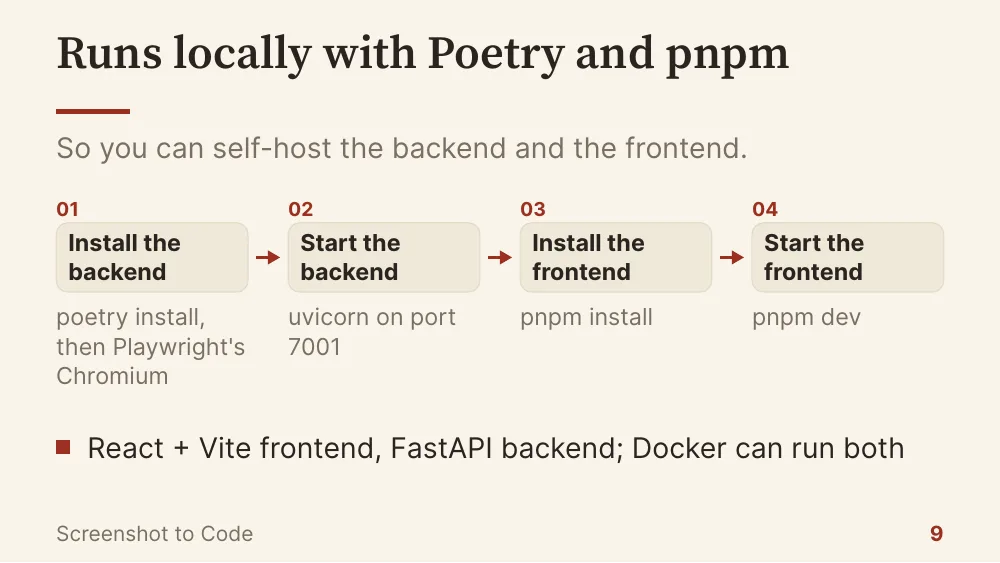 Revised
Small tweaks? Do them yourself.
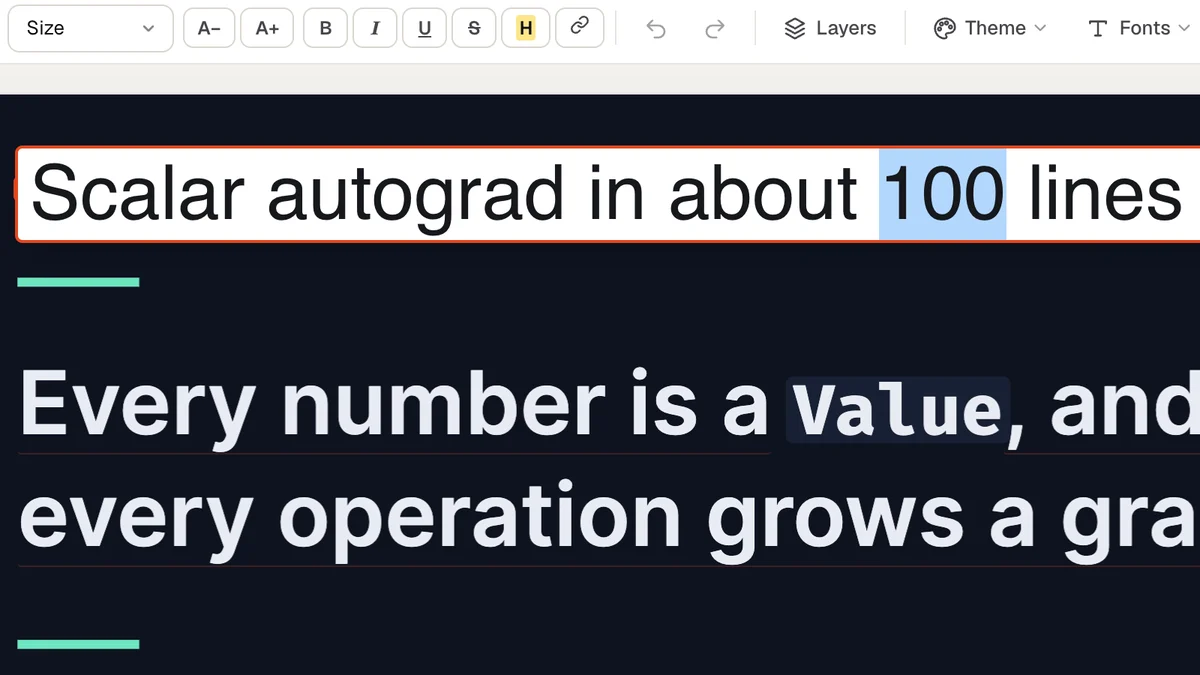
Drag, resize, retype and restyle right on the slide.

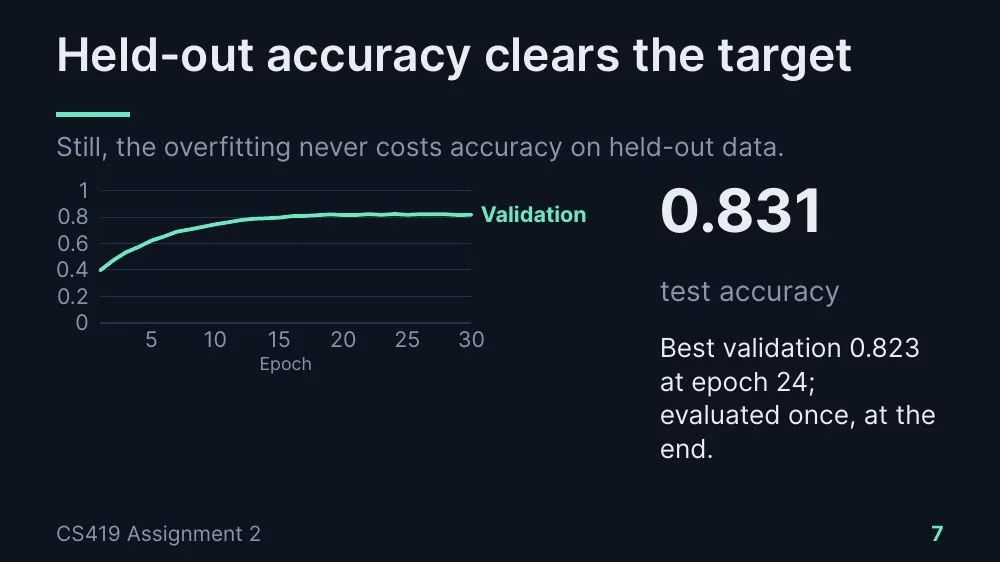
epoch,train_loss,val_loss,val_acc,lr
23,0.2371,0.6595,0.8171,0.01
24,0.2647,0.6824,0.8233,0.01
25,0.2548,0.7422,0.8175,0.01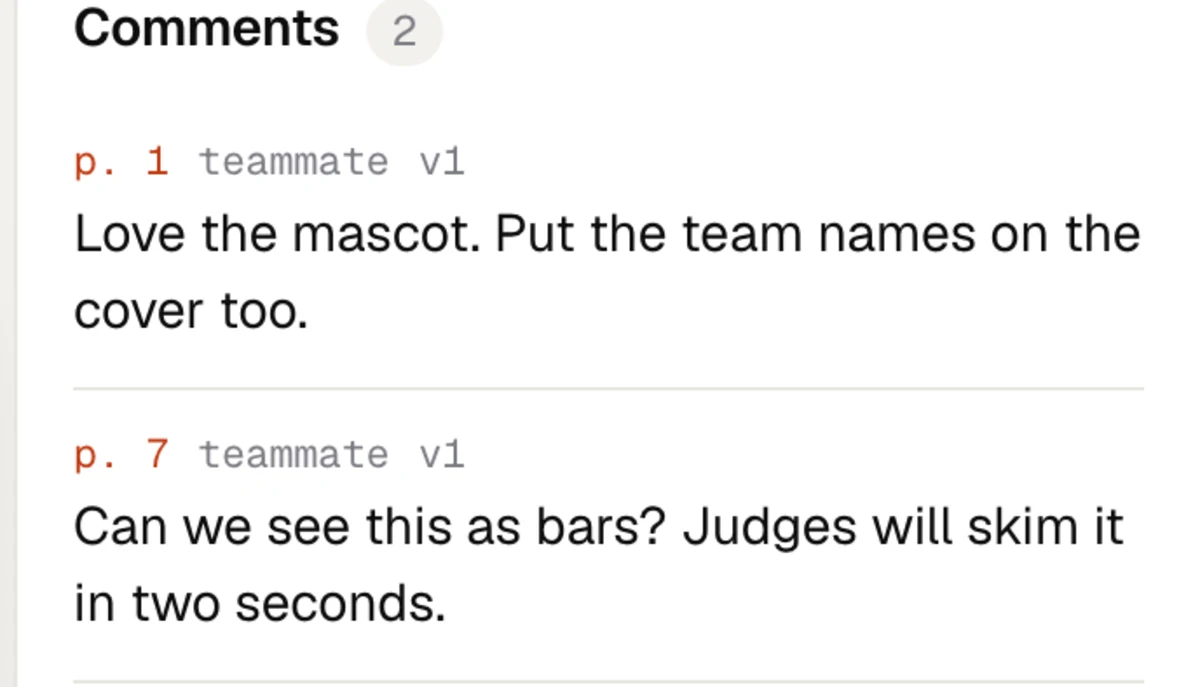
Also: Present mode · download as PowerPoint · your .pptx template · fonts per section · undo and redo
Samples
Decks built from real repos
Each came straight from a repo link. Nobody edited the slides by hand, except to take the team’s names off the Crop AI cover. Open one to page through it.
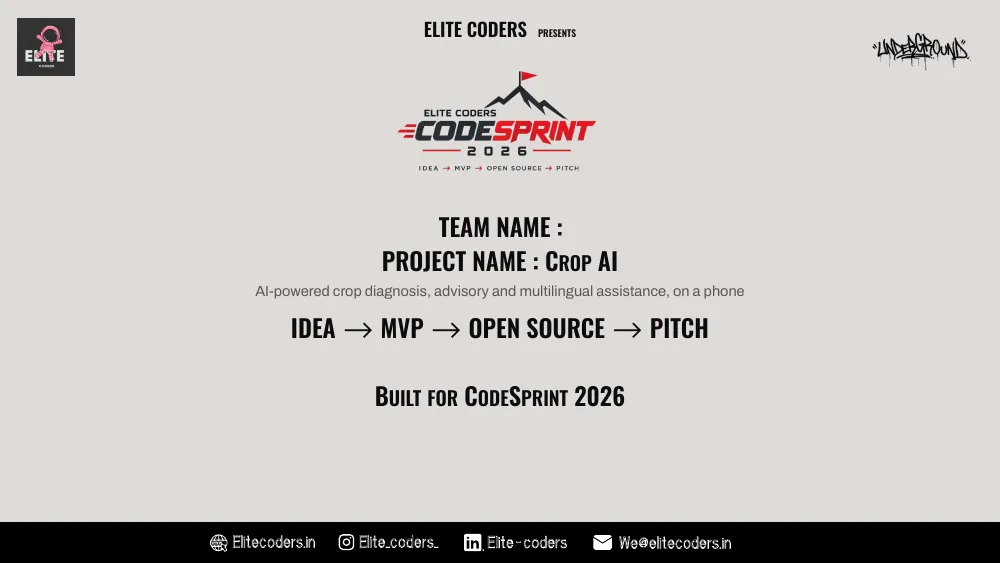
Crop AI, for CodeSprint 2026
A real idea-round deck in the CodeSprint 2026 template, built from the public repo abhinab-choudhury/Crop-AI, then changed twice by asking.
Page through all 9 slidesThemes
Pick the look after the build
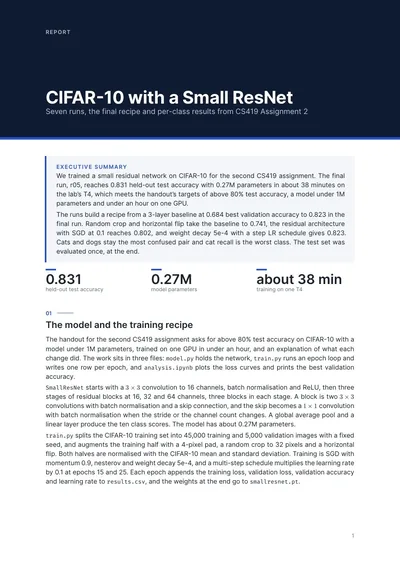
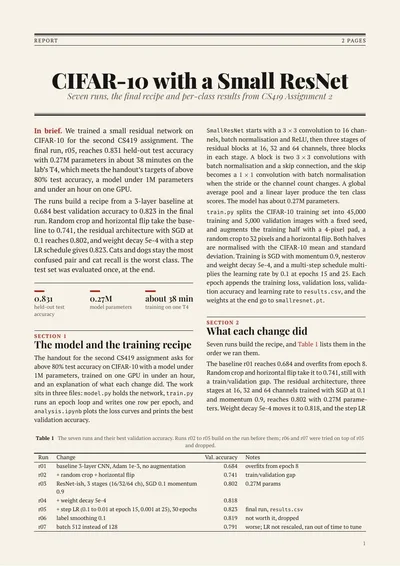
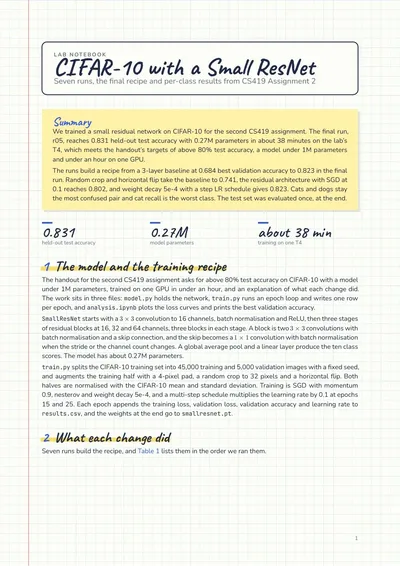
49 slide themes. Switch between them in under a second, free. You get the PDF and the editable source.
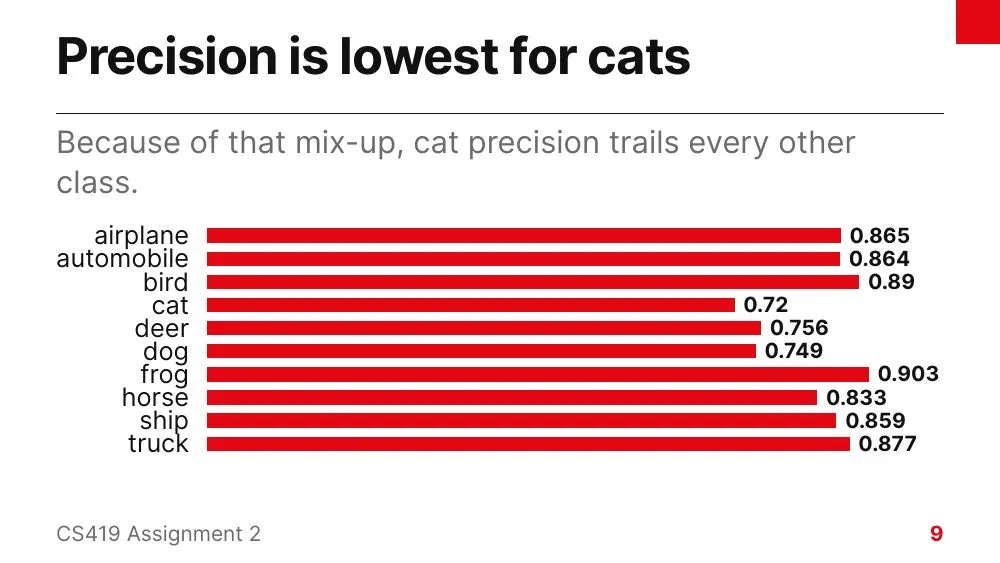
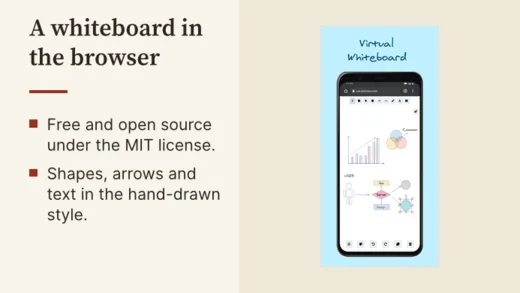 Paper Excalidraw
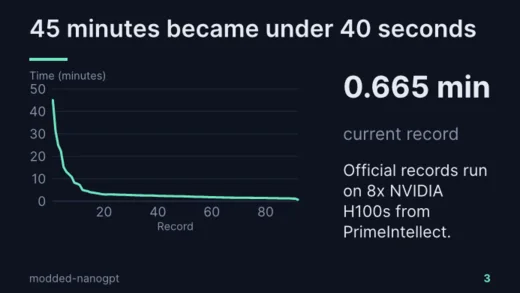 Midnight modded-nanogpt
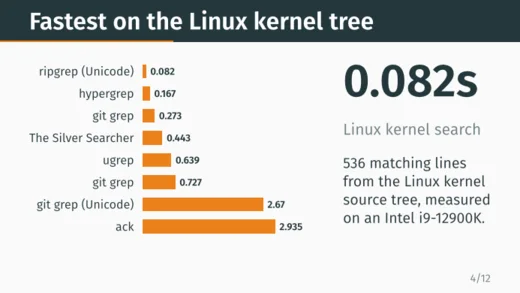 Metropolis ripgrep
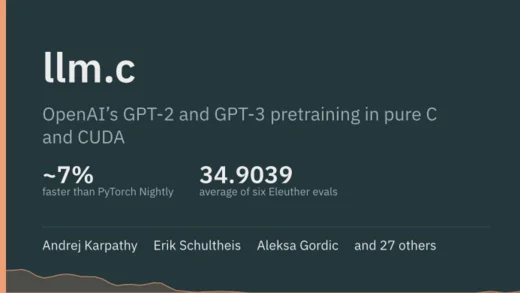 Moloch llm.c
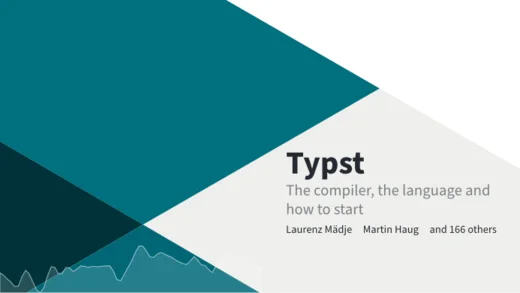 Trigon Typst
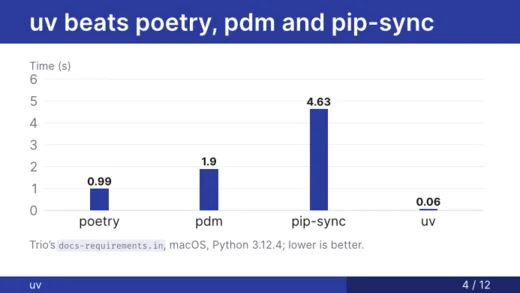 Madrid uv
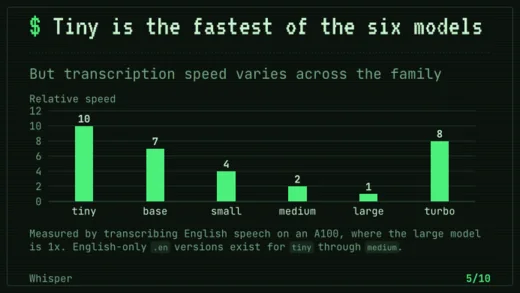 Terminal Whisper
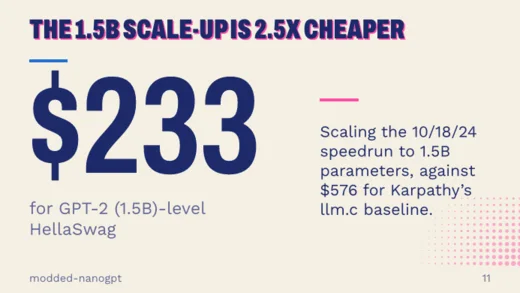 Riso modded-nanogpt
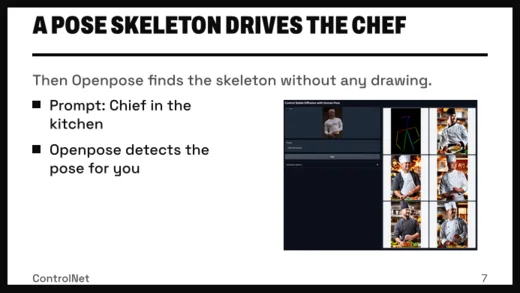 Brutalist ControlNet
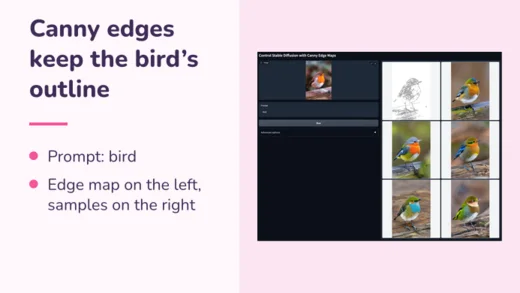 Candy ControlNet
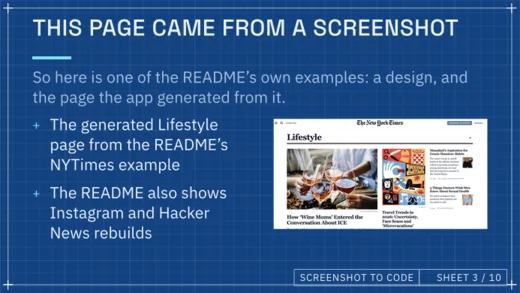 Blueprint Screenshot to Code
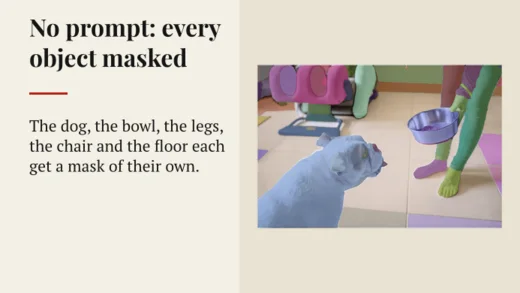 Broadsheet Segment Anything
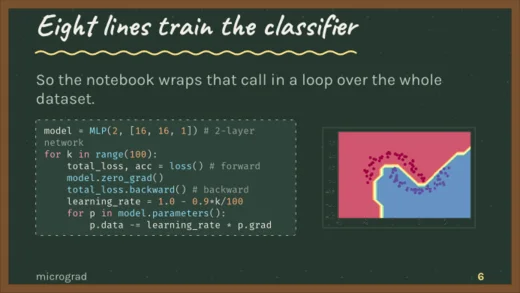 Chalkboard micrograd
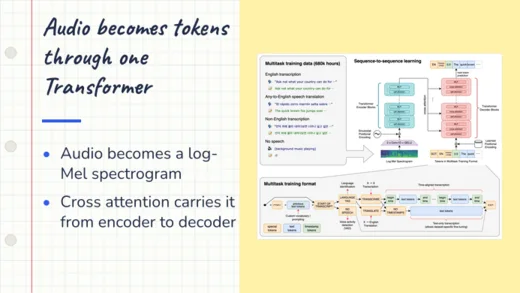 Notebook Whisper
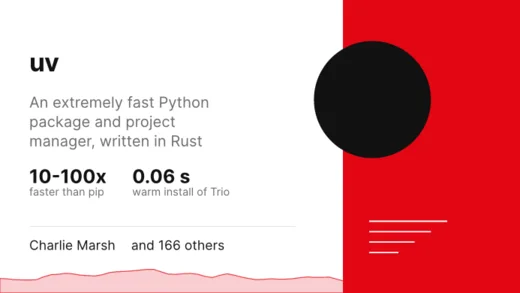 Swiss uv
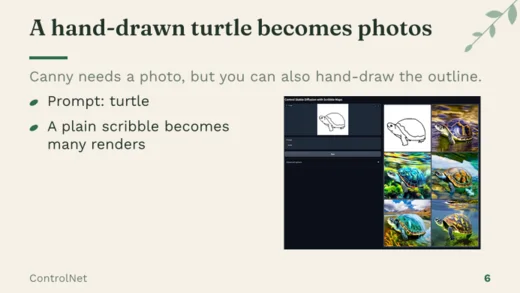 Botanical ControlNet
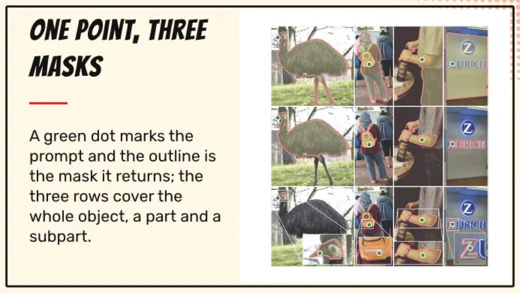 Comic Segment Anything
Need a report instead?
The same build can write a report: sections, tables and charts from your data, in four styles.
See every theme →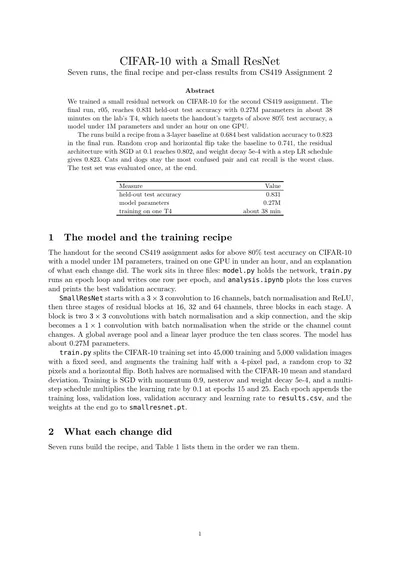
Your organiser’s template
Judged on a fixed format? Bring their template.
Some hackathon rounds want every team in the organiser’s PowerPoint template. Upload their .pptx and the deck is written in it.
- Its look. Pick “Your template” as the theme: the deck takes the template’s colours, fonts, logo and backgrounds.
- Its slides. Under “Follow a template”, the deck keeps the template’s slide order and headings, one slide each.
- Your content. Written from your repo and notes as usual, and you still get a PDF, or a .pptx, you can fix by hand.
A deck in your template: 2 credits on top of the build.
Smart India Hackathon? The SIH 2026 idea format is built in →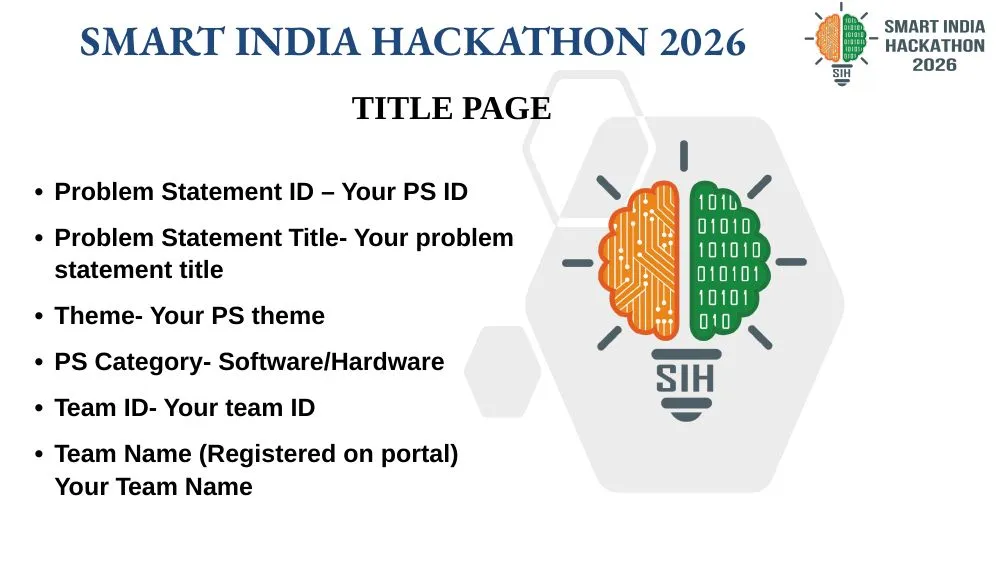
After your free deck: ₹49 for 30 credits (3 decks). No subscription. Credits don’t expire.
What files can I upload?
CSV and spreadsheet exports, logs, Markdown or text notes, screenshots and other images, a zip of any of those, or a link to a public git repository (GitHub, GitLab, Codeberg or elsewhere). Up to 50 MB per build, and each account can keep up to 1 GB of documents.
Can it build from my GitHub repo?
Yes. Paste a link to any public git repository (GitHub, GitLab, Codeberg or elsewhere). devreport reads the README and the code, then asks you what the repo can't say: who the deck is for, your proudest result, the team.
Can I use the hackathon's or my team's template?
Yes, two ways. Under “Follow a template”, pick SIH idea deck for the six headings recent SIH idea templates use, in their order, or upload the organiser’s .pptx and the deck follows its slide order and headings. Separately, pick “Your template” as the theme and the deck takes the .pptx’s colours, fonts and logo. Either way you get a PDF in that layout, not the organiser’s file filled in. More on the SIH format.
Will it make up numbers?
Charts are drawn straight from your data files. If something essential is missing, devreport asks you about it before it writes.
What uses credits?
A new deck or report uses 10 credits, and a re-run uses 10 credits. A deck in your organiser’s .pptx template adds 2 credits. Each change you ask for uses 1 credit. A PowerPoint download uses 2 credits per version. Editing text on the page yourself, answering questions and switching themes are free, and a build that fails before producing a PDF gives its credits back. Paid decks have no “Made with devreport” footer: after your first credit pack, it comes off each deck in that workspace the next time you build, change or re-theme it. If you signed up with an event code, your decks have no footer until the event’s date.
How long does a build take?
Usually three to five minutes for a deck, a little longer for a big repo, plus the time you take to answer its questions. Switching themes afterwards takes under a second and doesn't use a credit.
Do I get the source?
Yes. Every result comes with the PDF and the Typst source, and earlier versions stay available after each revision.
Can I get a PowerPoint?
Yes. Any slide deck downloads as a .pptx, one 16:9 slide per page. Text comes out as real text boxes, shapes as shapes and pictures as pictures you can move, so you can keep editing in PowerPoint, Google Slides or Keynote. Charts, code blocks and diagrams come out as pictures. The fonts aren’t embedded: Google Slides has them all, while PowerPoint and Keynote use a stand-in unless you install them. It uses 2 credits per version of the deck, and downloading that version again is free.
What’s Typst?
The typesetting system devreport writes your deck in. It turns a plain-text source file into a PDF in under a second, which is why switching themes is instant. You never need to touch it, but the source is yours to edit if you want to.
Who can see my files?
Only you. We don’t sell your data or train AI models on your files. A private repo is deleted when its build finishes, and share links never show your source files.
Who can see a share link?
Anyone with the link can view the PDF, but not your files or the source. Commenting needs a sign-in. You can revoke a link at any time and it stops working at once.
Do credits expire?
No. There's no subscription to cancel: you buy a pack when you need one, and unused credits stay with your workspace.
Your pitch deck, before the deadline.
Paste your repo link at the top and press Make my deck. You start with 15 free credits, enough for your first deck.
Already have an account? Sign in
Built by Gaurav. Questions? hi@devreport.cc