

Hackathon PPT generator
A hackathon pitch deck from your repo.
Paste your GitHub repo link and get a finished presentation in about two minutes: what you built, how it works, the results and the charts, drawn from your own code, commits and data. Made for the last hour before demos.
How it works
- Paste the repo, or drop in files. A GitHub link, a .zip, notes, CSVs, logs and screenshots all work, together or on their own.
- It reads everything first. The README, the code and the commit history, plus your notes. Tested code pulls out the numbers and plots the charts; the model writes the words around them.
- You get the deck. 5 to 25 slides, the length you pick, in one of six themes. Present it full screen, share a link judges can open, or download the PDF.
What goes in the deck
- What you built and who it's for
- How it works
- Results and benchmarks
- Charts from your CSVs
- Screenshots of the product
- Commit timeline
- The team
- Plans from your notes
Only what your sources support. A topic the repo and notes don't cover is left out, not padded.
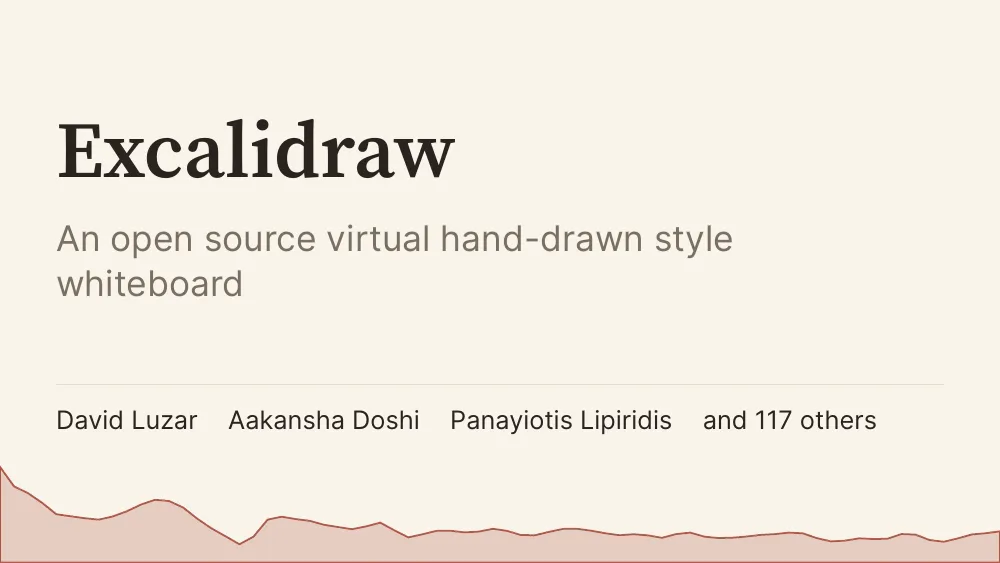
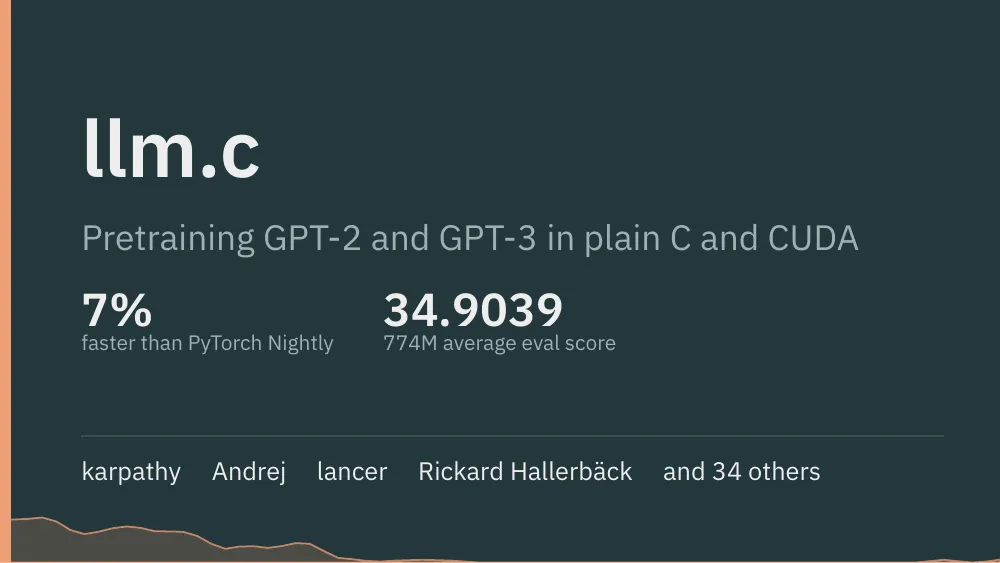
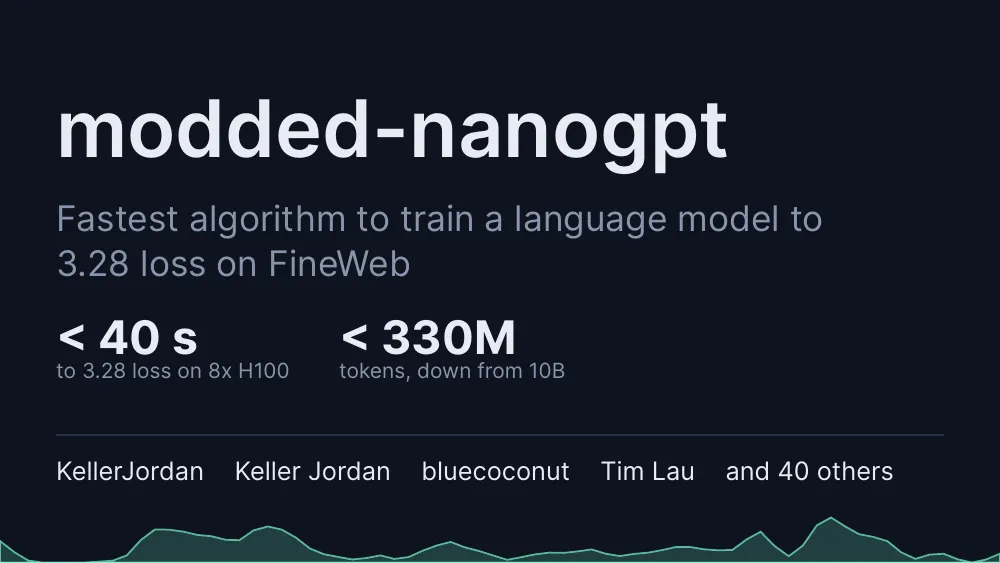
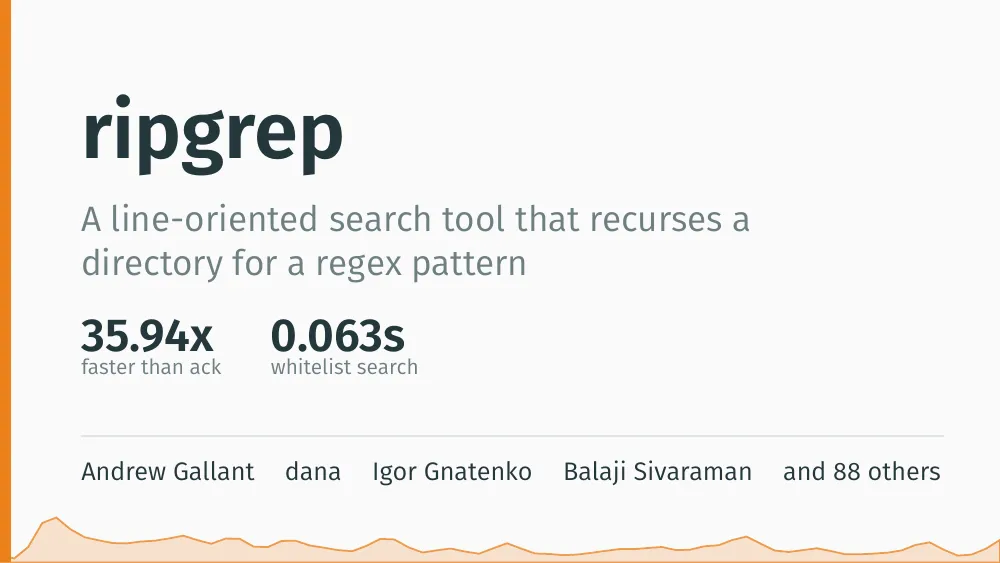
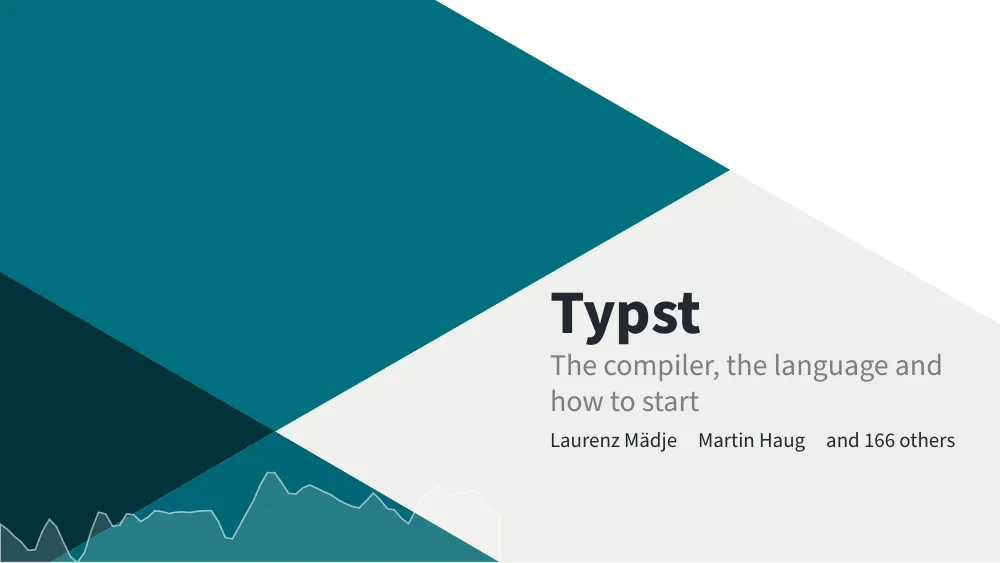
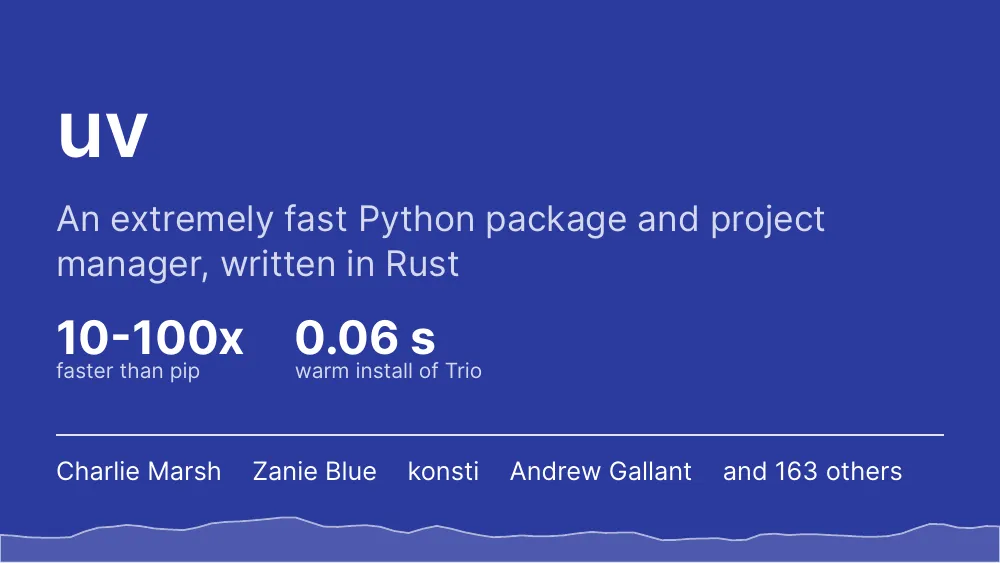
Decks made from real repos
Questions
Is it a PowerPoint (PPT) generator?
It makes the same thing a PPT generator does, a slide deck for your pitch, but the deck is a PDF, not a .pptx file. A PDF opens and presents full screen on any laptop, in any browser, so nothing shifts on the venue machine. If your hackathon gives you a PowerPoint template, upload the .pptx and the deck picks up its colours, fonts and logo.
Can it make a deck straight from my GitHub repo?
Yes. Paste the repo link. devreport reads the README, the code and the commit history, and plots the charts from what is in the repo. Private repos work once you connect GitHub. You can also pick only some pull requests, commits or a range.
How long does it take?
About two minutes for most repos, so you can make it in the last hour before demos. You watch it being written and compiled.
Will it invent results to make the project look better?
No. Every number and chart comes from your files: the repo, your notes, CSVs, logs or the answers you give. When something it needs is missing, it asks you, up to three short questions, instead of guessing.
Can I change the deck after it is built?
Yes. Leave notes on any slide and it revises the deck, switch between six themes without a rebuild, and download the Typst source if you want to edit it by hand.
What does it cost?
New accounts get free credits, enough for your first hackathon decks. A build costs one credit, and each deck gets three free revisions.
Demos in an hour? Paste your repo.
Your repo in, a pitch deck out, with every chart drawn from your own data.
Start with 3 free credits