

Final-year project
Review and viva decks from your project.
Paste your project repo, or drop in your code, results, notes and screenshots. devreport writes the review deck from them: the problem, the design, what you built and what it achieved, with charts from your own results. A PDF in a few minutes.
What each review usually covers
Names and contents vary by university and department, so follow your guide’s format. A common pattern, and what devreport can build each part from (the first review on its own: zeroth review PPT; third-year reviews: mini project PPT):
| Stage | What examiners look for | What devreport builds it from |
|---|---|---|
| Review 1 | Problem statement, objectives, literature survey, proposed system | Your abstract or synopsis, notes on the papers you read, a block diagram |
| Review 2 | Architecture, modules, design diagrams, early implementation | The repo’s code and README, Mermaid diagrams, the modules you list |
| Review 3 | Implementation, testing, results, comparison with existing work | Result CSVs, logs and notebooks (charts drawn from them), screenshots of the working system |
| Viva | The whole project, and answers to “how did you get this number?” | Everything above; each chart traces back to a file you can open |
Why it helps in a viva
- Numbers you can defend. Charts are plotted by code from your result files, never typed in by a model, so you can show where each value came from.
- Your own architecture. A Mermaid diagram in your README or a
.mmdfile is redrawn in the deck’s theme. Without one, the slides describe the parts the code actually has. - Nothing padded. If your sources don’t cover a topic, the deck leaves it out instead of filling it with generic text you would have to explain.
Pick a look your guide will accept
49 slide themes, from plain ones like Madrid and Metropolis (the classic LaTeX Beamer looks) and Paper, to louder ones for a project expo. Switching takes under a second and is free, so you can try several on the finished deck.
Decks built from real repos
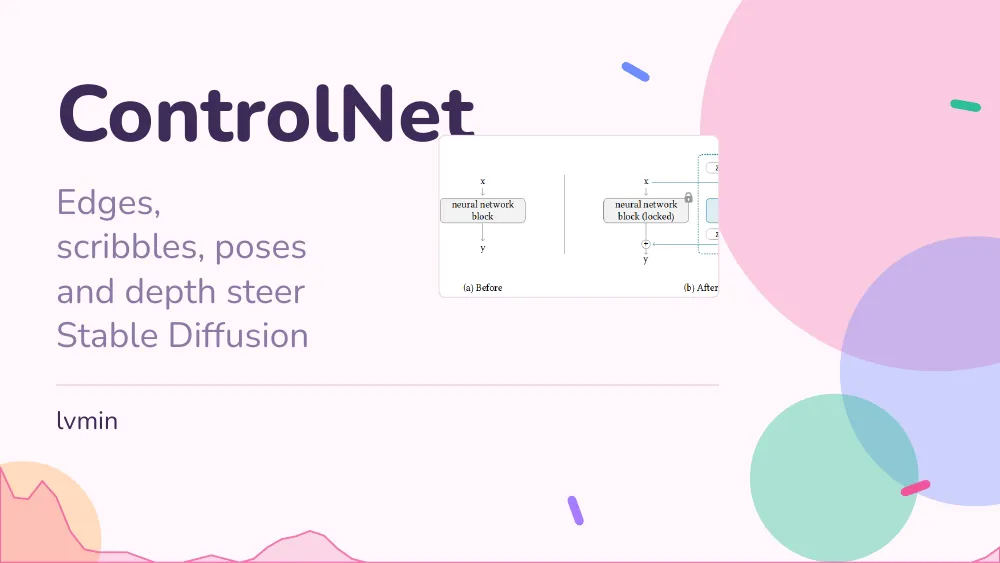
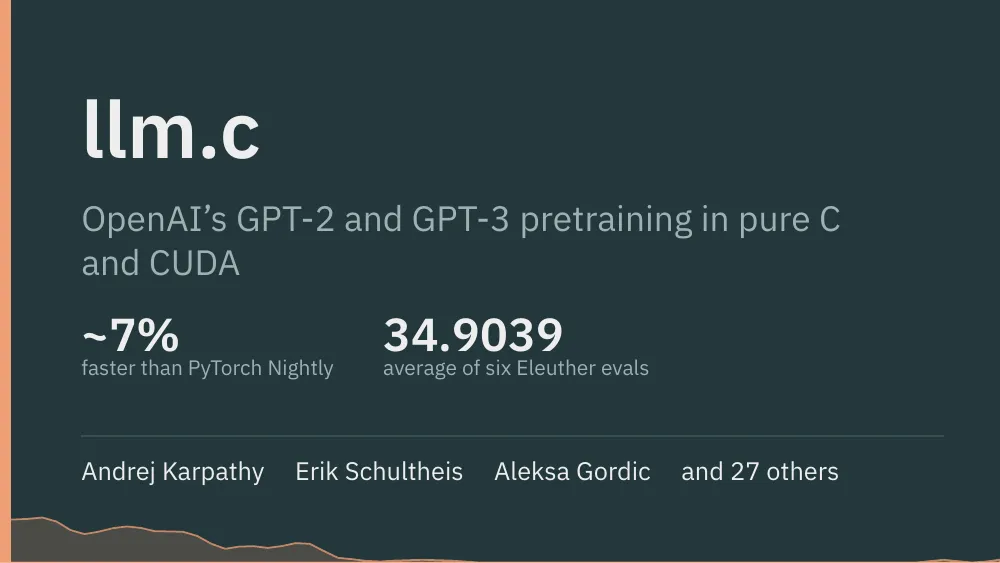

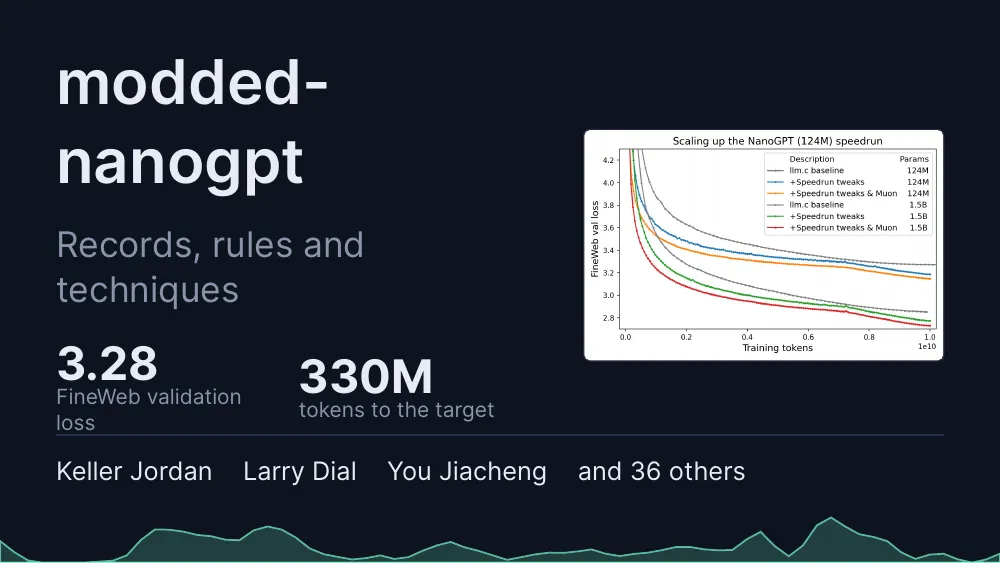
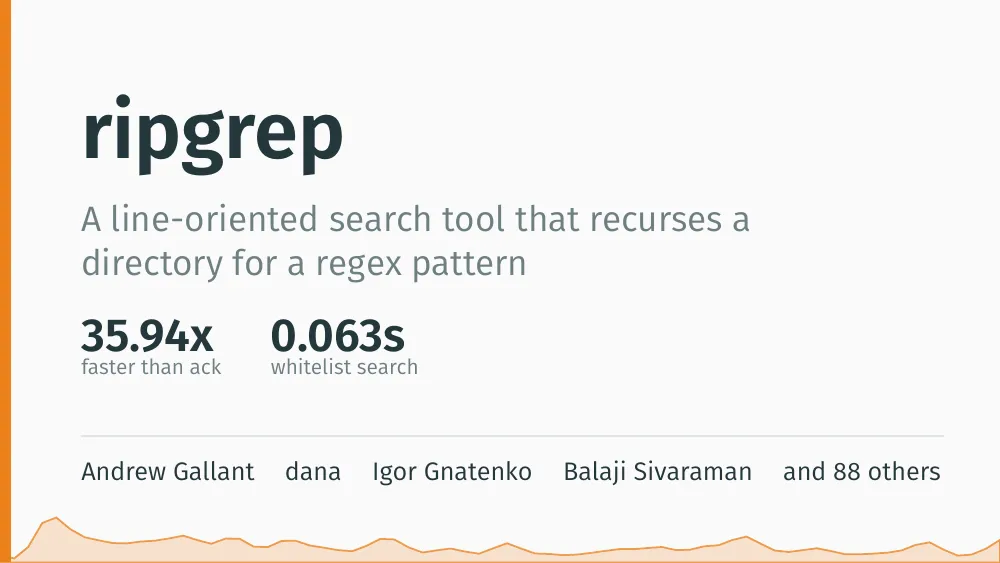
Questions
Can it follow my department’s slide order?
Yes, if you tell it. Write the headings your department wants (Introduction, Literature survey, Objectives, Proposed system, and so on) in your notes and it plans the deck around them. If you have the department’s .pptx template, upload it and the deck takes its colours, fonts and logo.
Will it write my literature survey?
Only from what you give it. Add your notes on the papers you read and it summarises and compares them. It does not invent papers, authors or citations.
Is the result a PPT file?
It is a PDF deck, which presents full screen on any laptop or projector without fonts or layout shifting. If your department insists on a .pptx, download one for 2 credits more. Its text comes as editable text boxes.
Can it make the project report too?
It makes short reports, 2 to 10 pages, in four report themes, with the same charts and tables. That suits a progress or review report. It is not a full university-format thesis with certificate and declaration pages.
How do I update the deck for the next review?
Open the same document, add the new code, results or notes, and ask for the changes: each change costs 1 credit. A full re-run from scratch costs 10. Earlier versions stay available.
How long does it take?
Usually three to five minutes, a little longer for a big repo, plus the time you take to answer its questions.
What does it cost?
New accounts get 15 free credits. A deck costs 10 credits and each change you ask for afterwards costs 1; editing text on the page yourself and switching themes are free. A build that fails gives its credits back.
Related
Review next week? Start from your repo.
Your code, results and notes in; a review deck with charts from your own data out.
Start with 15 free credits