

GitHub to PPT
Your GitHub repo, as a presentation.
Paste a repo link. devreport clones it, reads the README, the code and the history, asks what the code can’t tell it, and writes a slide deck with charts drawn from what is in the repo. You get a PDF deck in a few minutes.
What it reads in a repo
| Source | What the deck gets from it |
|---|---|
| README | What the project is, who it is for and how to run it. Benchmark tables become charts, and images hosted on GitHub can go on the slides. |
| Code | How it is built: the main parts, the languages and the stack, so the “how it works” slides describe the real thing. |
| Diagrams | Mermaid diagrams in the README or docs, and .mmd files, are redrawn in the deck’s theme instead of shown as code. |
| History | Commits per day for the graph on the cover (you can turn it off), and release tags and user-facing commits for a timeline. |
| Your notes | Anything the repo can’t say: the audience, the result you are proudest of, the team, what comes next. Add CSVs, logs and screenshots too. |
Three steps
- Paste the link. Any public git repo, or a private one once GitHub is connected. Add notes or files alongside it if you have them.
- Answer what it asks. After reading, it may ask up to three questions, starting with which deck you want: a pitch, a technical walkthrough, a project review.
- Present or share the PDF. 5 to 25 slides, the length you pick. Present it full screen, send a view-only link that people can comment on, or download it.
Who uses a repo deck
- Hackathon pitches
- Final-year project reviews
- Open-source project intros
- Sprint and release reviews
- Portfolio walkthroughs
- Lab and research updates
The numbers stay yours. Every chart is plotted by code from a file in the repo or one you added, so you can trace each bar back to a row. When a number isn’t in your sources, it isn’t in the deck.
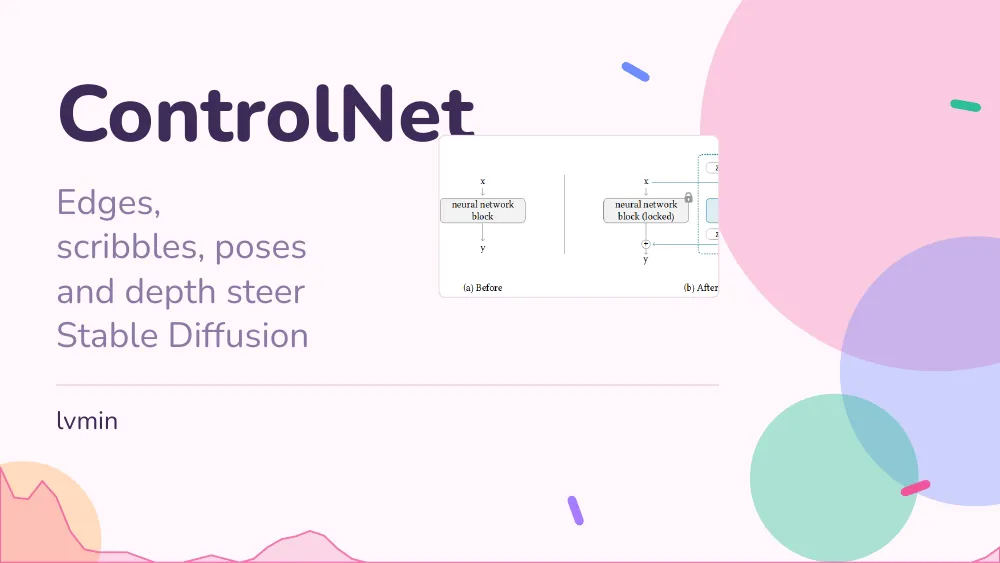
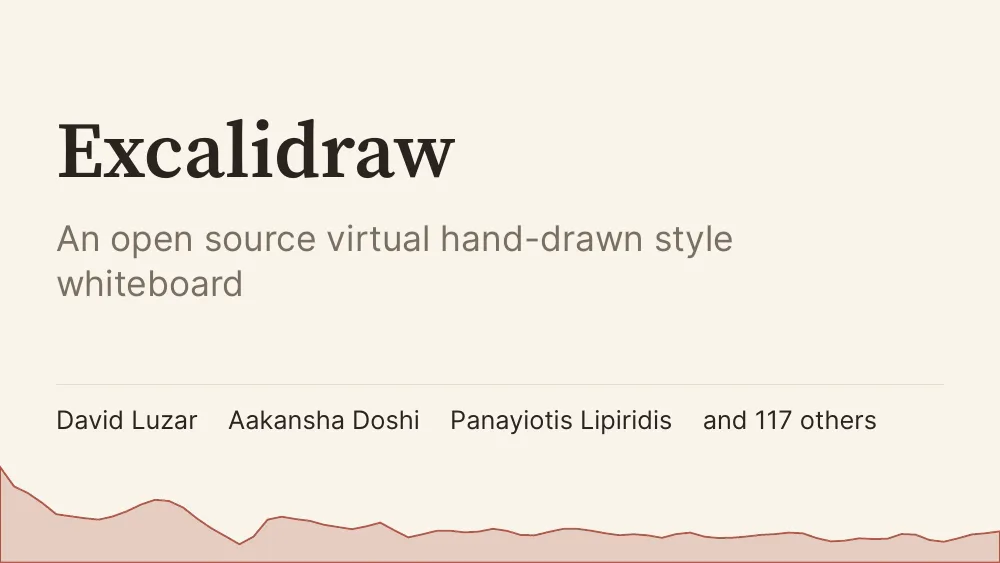
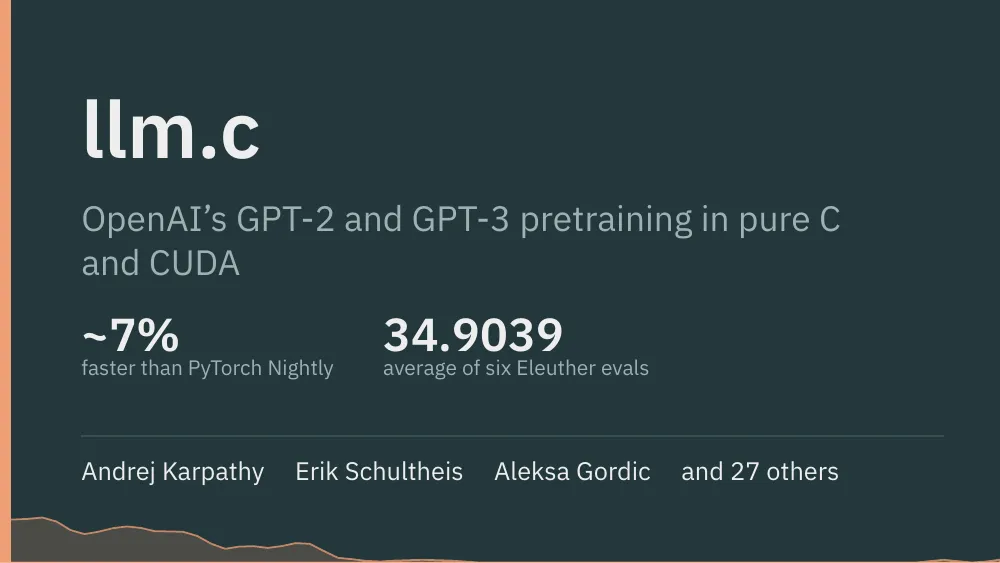
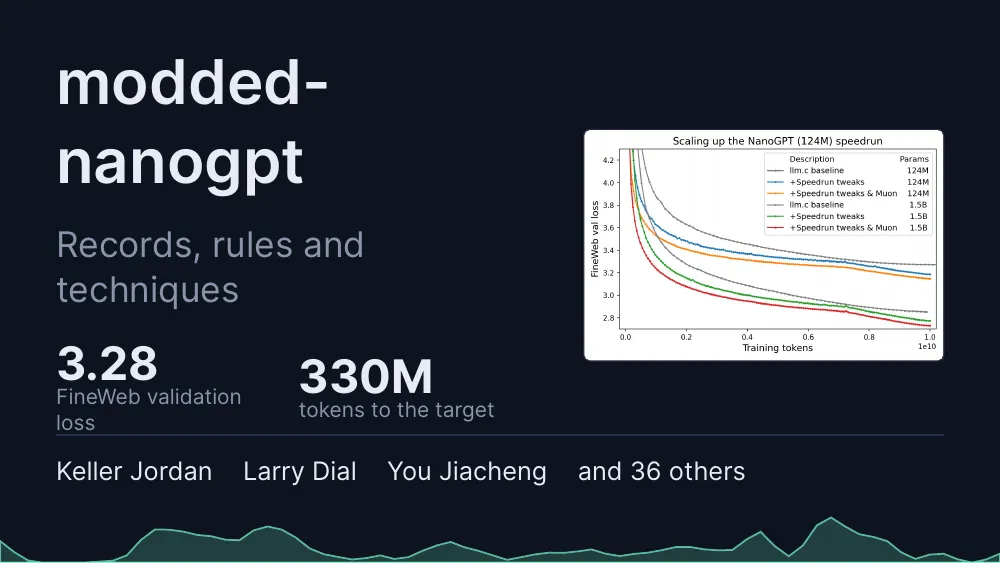
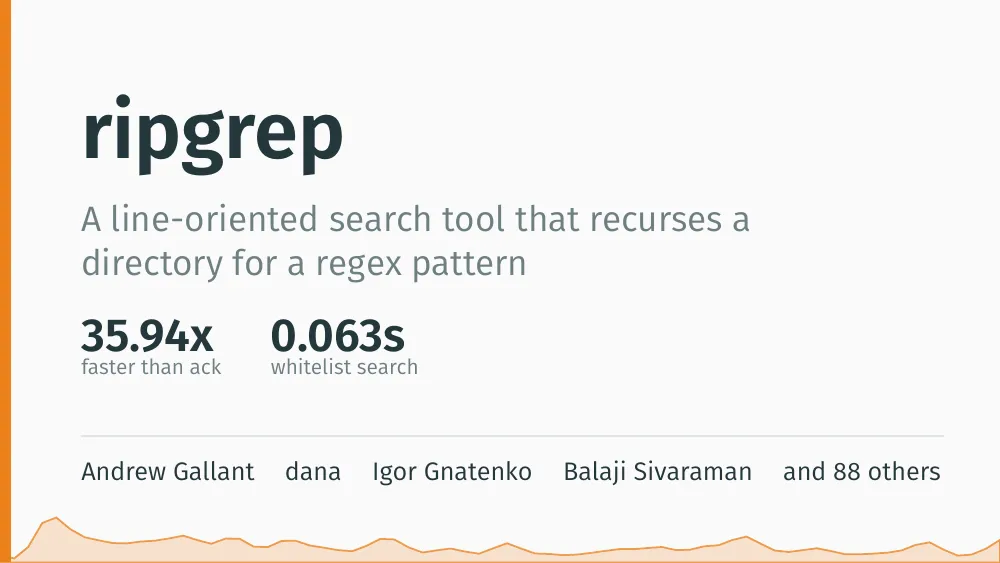
Built from public repos, unedited

Questions
Is the result a PPT file?
It is a PDF slide deck by default. It presents full screen in any browser and looks the same on every laptop. To keep editing in PowerPoint or Google Slides, download it as a .pptx for 2 credits more: the text comes as editable text boxes, and charts and code come as pictures. You also get the Typst source of the deck if you want to edit it by hand.
Does it work with private repos?
Yes, for GitHub: connect your GitHub account from the app and pick the repo. Public repos on GitHub, GitLab, Codeberg or any other git host work from the link alone.
Does it run my code?
No. It reads the files and the git history; it never installs or runs anything from the repo. Results come from what is written down: benchmark tables in the README, CSVs, logs, notebooks and your notes. If your results only exist in your head, add them as a note or answer its questions.
My README is thin. Will that work?
It will ask you up to three short questions about what the repo can’t say: who the project is for, the result you are proudest of, the team. You can also add notes and screenshots. It leaves out what nobody told it rather than padding the deck with guesses.
Can I make a deck about only part of a repo?
Yes. Pick some pull requests, some commits or a range of commits, and the deck covers only that work. That suits a sprint review or a “what changed this month” deck.
How long does it take?
Usually three to five minutes, a little longer for a big repo. You can watch it read the repo, write the slides and compile them.
Can I change the look afterwards?
Yes. Switch between 49 slide themes in under a second, for free, or upload a .pptx template and it takes the template’s colours, fonts and logo.
What does it cost?
New accounts get 15 free credits. A deck costs 10 credits and each change you ask for afterwards costs 1; editing text on the page yourself and switching themes are free. A build that fails gives its credits back.
Related
Paste a repo, get the deck.
The README, the code and the history in; a slide deck with charts from your own data out.
Start with 15 free credits